Sometimes the most effective animations are the simplest. This easy to follow tutorial walks you through creating a clean, professional-looking animation in Adobe After Effects — step by step, no plugins needed.
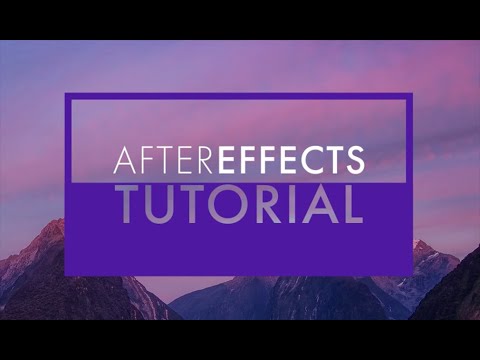

The Core Technique
This animation uses shape layers, trim paths and position keyframes — all native After Effects tools. The result is a crisp, modern motion graphic that works as a title card, lower third reveal or standalone animation loop.
Step-by-Step
- New composition. 1920×1080, 25fps, 4 seconds duration.
- Create a shape layer. Draw a rectangle using the Rectangle tool. Set Fill to none and Stroke to your brand colour at 4px width.
- Add Trim Paths. In the shape layer's contents, click Add → Trim Paths. Set End to 0% at frame 0 and 100% at frame 20. This animates the stroke drawing itself on.
- Add your text. Place a text layer inside or adjacent to the shape. Set Opacity from 0% to 100% starting at frame 15 — so the text fades in just after the shape finishes drawing.
- Apply Easy Ease. Select all keyframes and press F9 to apply Easy Ease. Then open the Graph Editor and pull the out-curve to a slower finish for a polished, professional feel.
- Offset layers. If you have multiple elements, offset their start times by 3–5 frames each. This staggered entry feels natural and avoids everything appearing at once.
- Add an out animation. At the end of the composition, reverse the process — fade the text out, then trim the shape path back to 0%. This makes the animation suitable for looping.
The Key to Professional Animation
The difference between amateur and professional motion graphics is almost always easing. Linear keyframes feel mechanical. Proper ease-in and ease-out — with the velocity curve tuned in the Graph Editor — gives animation a natural, physical weight that reads as intentional and confident.