Lower thirds are a combination of text and some type of graphic that creates context for the video. They have been a part of television and videos for decades and today they are an important part of social media.
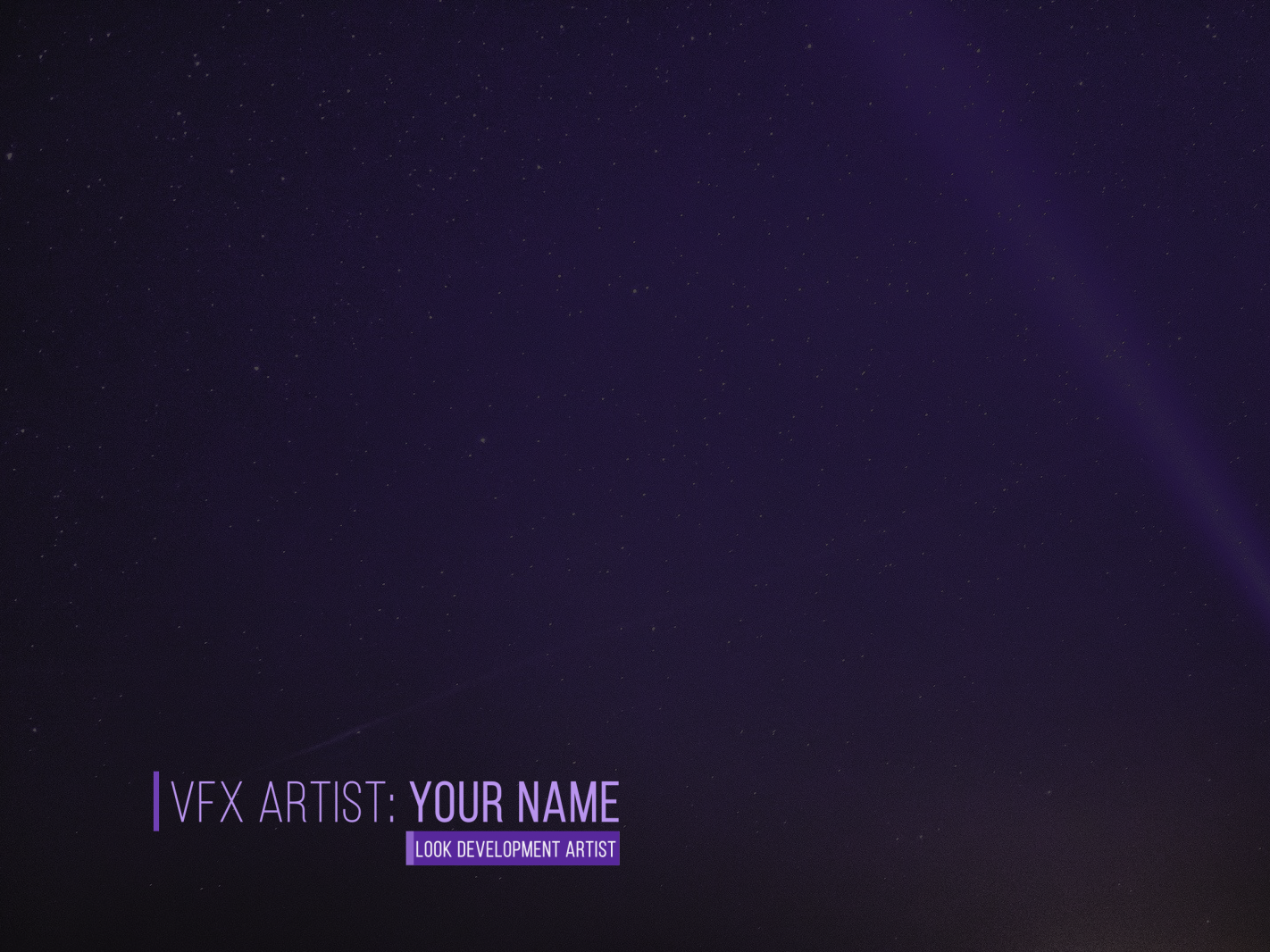
Five Things to Consider When Creating Lower Thirds
1. Readability. Good readability is absolutely crucial for a good user experience. Choose a readable font that goes well with the theme of the video. Try to relay your message with a short copy. The text size should be large enough to read without taking up too much space.
2. Structure. Define the structure of your lower third. Add shapes, lines, or your logo (if you plan to build a brand) to make your text more noticeable.
3. Colour. Stick to colours that won't distract from the video you're working on. If you're working on a commercial or brand video, use colours that represent your brand.
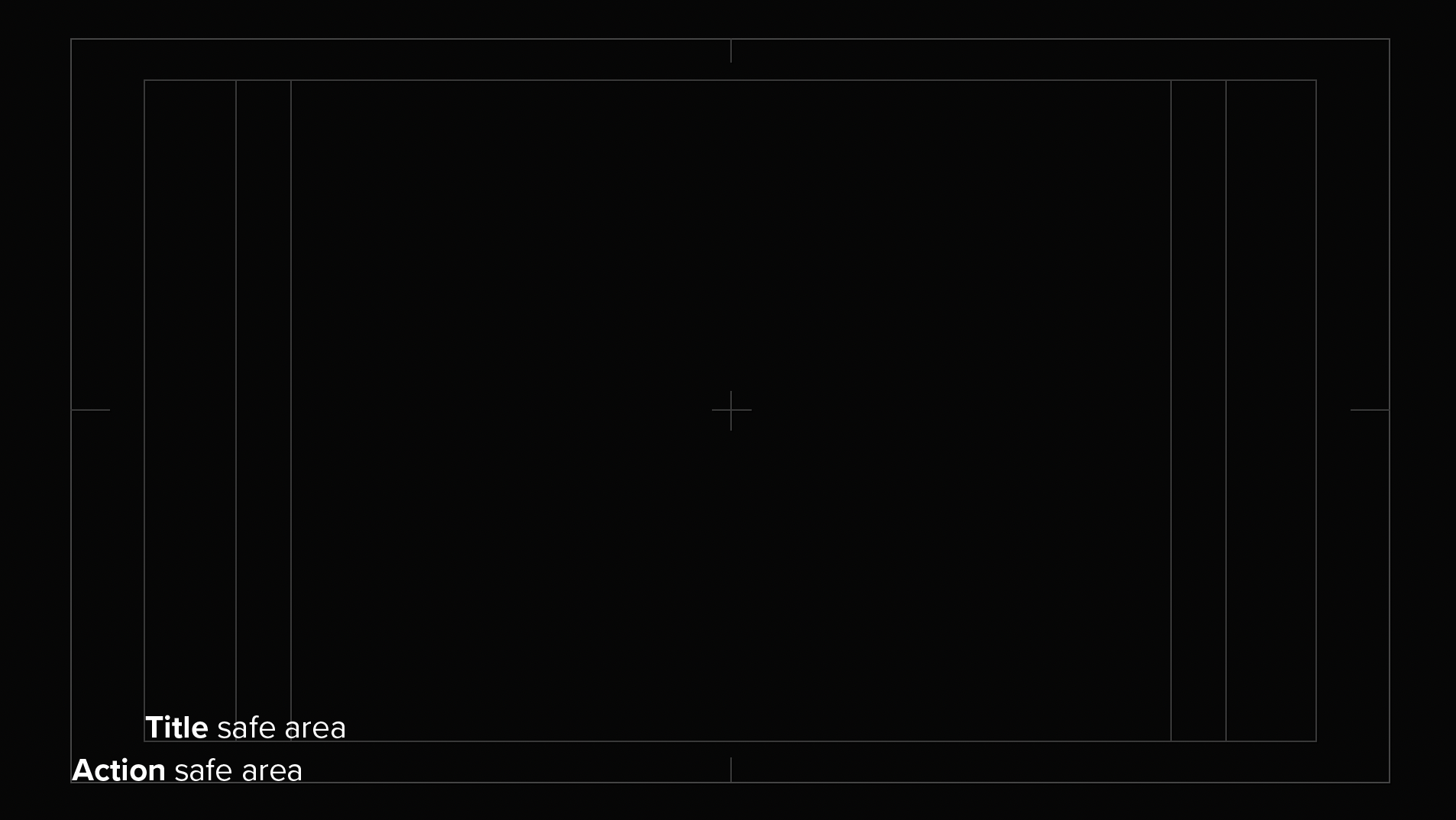
4. Safe Area. Choose grid and guide options — Title/Action safe area. Make sure that your lower thirds are always in the Title/Action safe area. These safe areas are 80% of the screen for title safe areas and 90% for action safe areas.
5. Animation. Animate your lower third. An intro and outro animation are most common, as animation occurring mid-segment is potentially distracting. You can animate any of the elements — text, logo, shapes. You want a lower graphic that will get your viewer's attention, but your design shouldn't distract from the content.
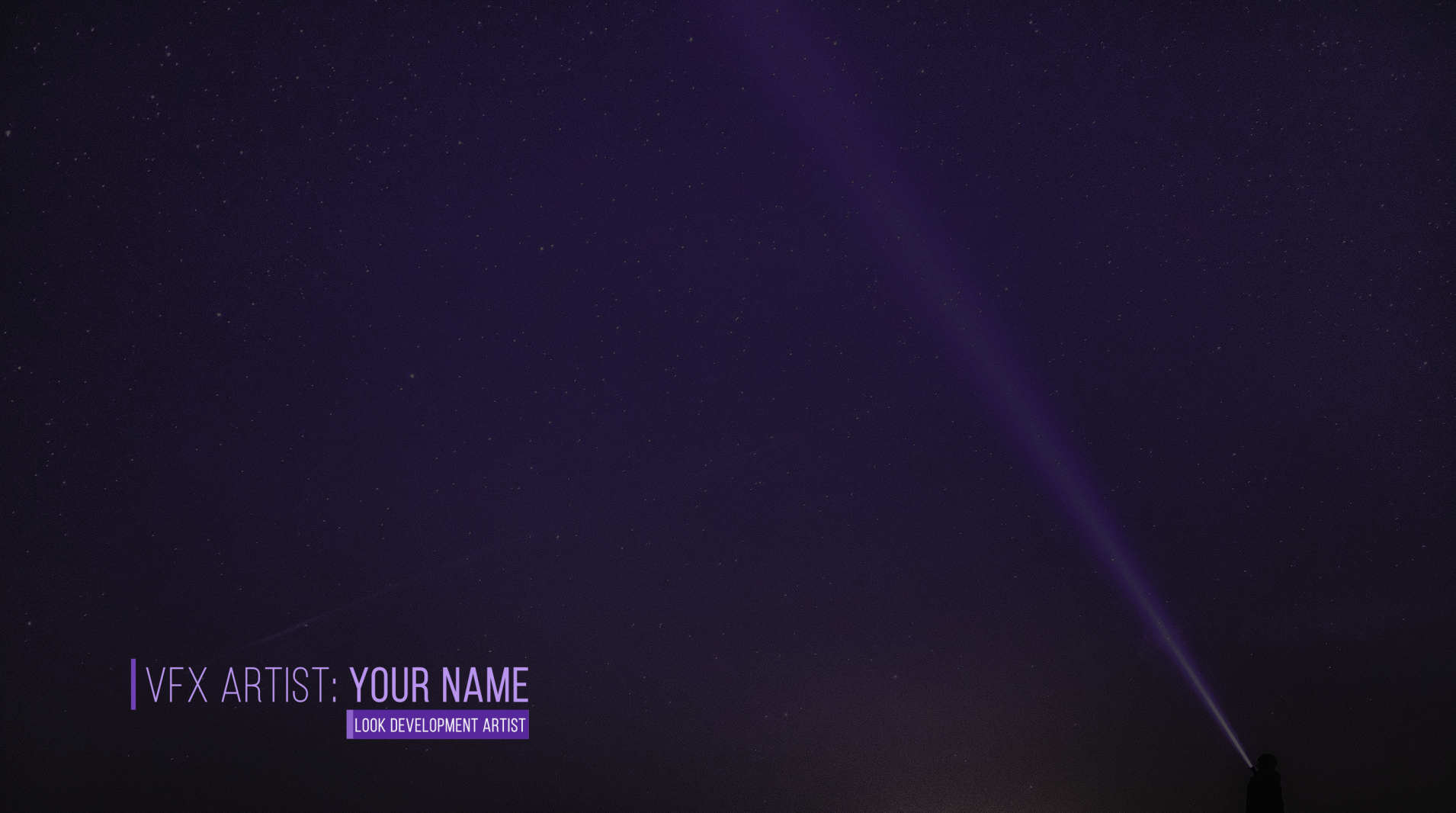
Tiers
Lower thirds are usually arranged in tiers, or lines:
One-tier lower third identifies a story that is being shown, or to show a presenter's name.
Two-tier lower thirds identify a person on screen with a designation or place of residence below that.
Three-tier lower thirds carry more information — name, title and additional context.
Lower thirds are created using a video's alpha channel to make some parts of the graphic or text transparent.
Lower Thirds in Adobe After Effects
After Effects is the industry standard tool for designing and animating lower thirds. Using text layers, shape layers and expressions, you can build template lower thirds that update automatically from a spreadsheet or CSV — essential for documentary and news production where dozens of names need to be displayed consistently.
The combination of trim paths, text animators and easing on keyframes gives you precise control over how the lower third enters and exits — making the difference between amateur and broadcast-quality results.