Monograms have been used for centuries — from royal crests to luxury fashion houses — as a refined way of combining initials into a single, elegant mark. In Adobe Illustrator, creating interlocking letters is a rewarding exercise in letterform manipulation, Pathfinder operations and precision alignment.
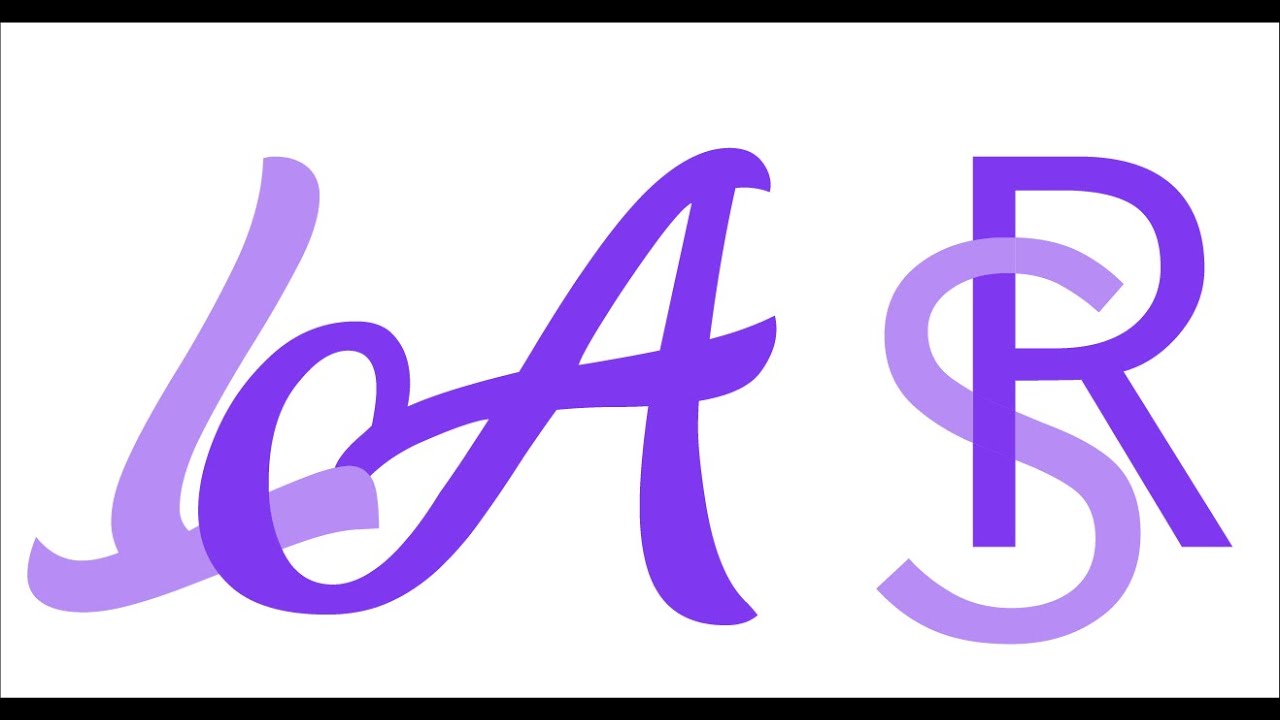
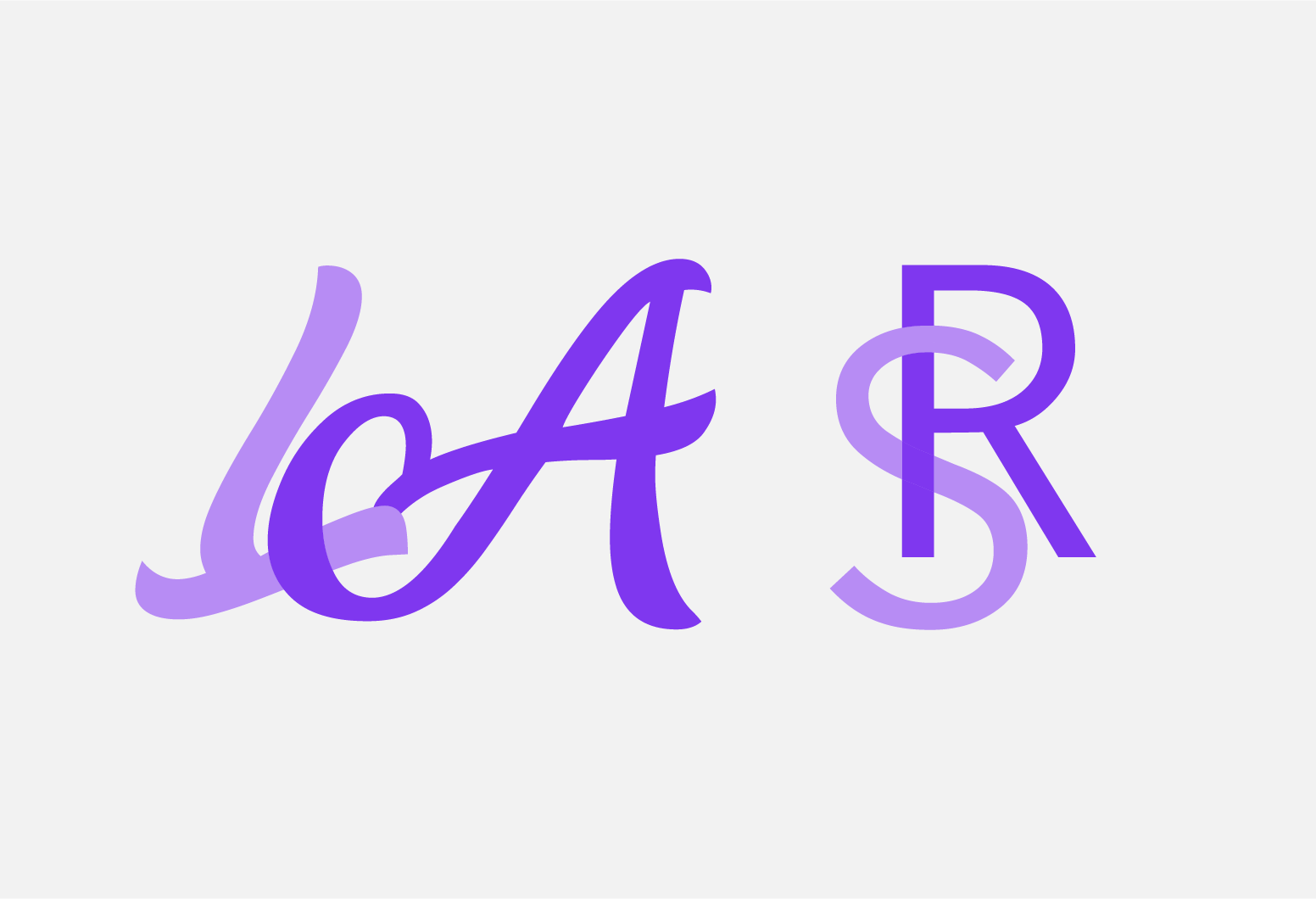
Choosing Your Letterforms
The success of a monogram depends heavily on the choice of typeface. Serif fonts with consistent stroke weights work beautifully — think Didot, Garamond or Trajan. Script fonts can produce flowing, romantic monograms but require more careful balancing. Avoid overly complex decorative faces that obscure readability at small sizes.
Step-by-Step in Illustrator
- Set your letters. Type each initial as a separate text object. Convert to outlines (Type → Create Outlines) so you can manipulate the paths directly.
- Overlap and align. Position the letters so they overlap at meaningful points. Use the Align panel to centre them on a shared axis. The overlap is where the interlocking effect will be created.
- Use Pathfinder. Duplicate the overlapping shapes. Use Divide in Pathfinder to split the overlapping regions. Then selectively recolour or delete sections to create the over-under weaving effect that makes letters appear to interlock.
- Refine the balance. Step back and look at the weight distribution across the whole mark. Heavier strokes on one letter may overpower the other — adjust the scale or stroke width to achieve visual balance.
- Add a containing shape. Many classic monograms sit within a circle, shield or diamond. This containing shape unifies the composition and makes the mark more versatile for stamping, embossing or engraving.
- Test at size. Monograms often appear on small items — jewellery, stationery, labels. Test your design at 15mm to ensure the letterforms remain legible and the interlocking is still visible.
Applications
Interlocking monograms are perfect for personal branding, wedding stationery, luxury packaging, jewellery design, embroidery and corporate gifting. Once the mark is constructed as clean vectors in Illustrator, it can be scaled to any size without quality loss.